Share results
Test ID:
Test Your True Internet Speed with ADSltest Speed test
Instantly measure your download, upload, and ping with our free, accurate speed test.
Accurate Download & Upload Speeds
Discover your real-world download and upload speeds to see if you’re getting what you pay for from your ISP.
Low Latency Ping Testing
Get your ping result to optimize online gaming and video calls by identifying lag and latency issues.
Simple, Instant Results
One Phrase Description: Experience a fast, ad-light test that provides clear results in seconds without complicated settings.
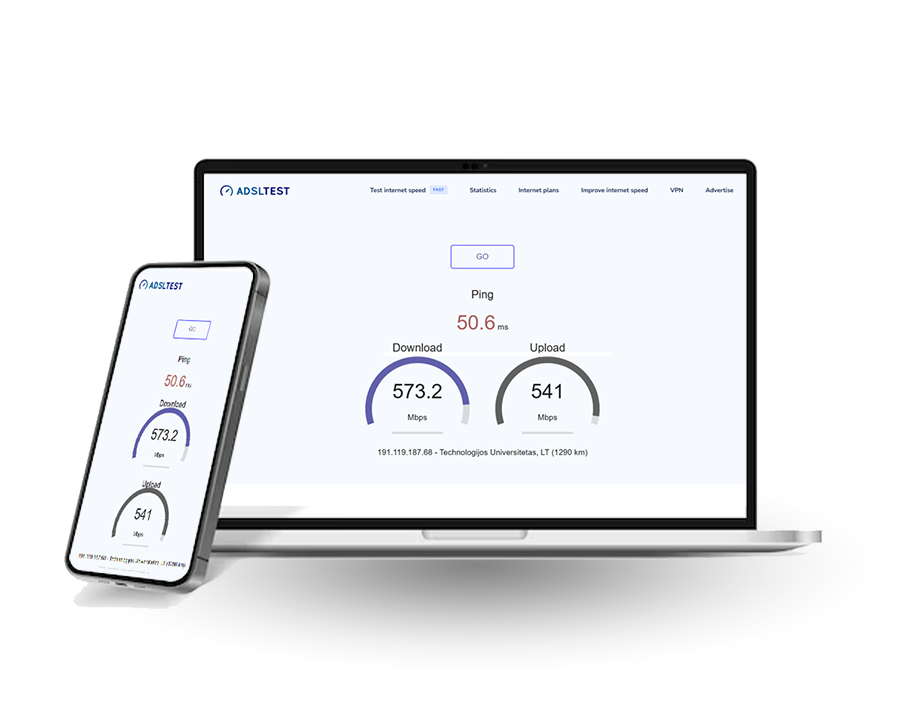
Lightning-Fast Test Initiation
No lengthy loading times; our tool connects instantly to the nearest server, beginning your analysis the moment you click.
Rapid Real-Time Analysis
Watch your download and upload speeds chart in real-time, delivering a complete performance picture in under 15 seconds.
Instant Lag Detection
Get your connection’s ping and jitter metrics immediately, identifying latency issues without delay for smoother gaming and streaming.
Quick, Actionable Summary
Receive a clear, easy-to-read results page the second the test ends, so you can troubleshoot or confirm your plan’s performance right away.
The World's Fastest Speed Test - Get Results in Seconds
Experience fast internet speed testing with immediate, accurate results for download, upload, and ping.
Global Internet Statistics & Speed Map
Explore worldwide internet performance metrics and broadband speed data.
Global Speed Rankings
Global Speed Stats
Compare Net Speeds
Live Speed Map
Worldwide Broadband
Net Health Data
Have Any Questions?
Wondering how we measure speed and how accurate the results are? Get the facts behind the test.
The test measures three things: download speed (how fast data comes to you), upload speed (how fast you send data), and ping/latency (the delay in milliseconds). It does this by sending and receiving small packets of data between your device and our test servers.
A single test is a snapshot, not the full picture. Accuracy can be affected by other devices on your network, background apps, or temporary network congestion. For a true picture, run 3 tests at different times of day and take the median result.
Yes. For the most accurate measure of your ISP’s performance, choose the closest geographical server. Testing to a faraway server adds distance and hops, lowering speed and increasing ping—which reflects real-world experience for international sites.
No. A VPN will always slow your connection and route traffic through a distant server, masking your true ISP speed. For an accurate measurement of your raw internet speed, disable your VPN before testing.